The 7 HVAC KPIs You're Not Tracking (But Should Be in 2026)
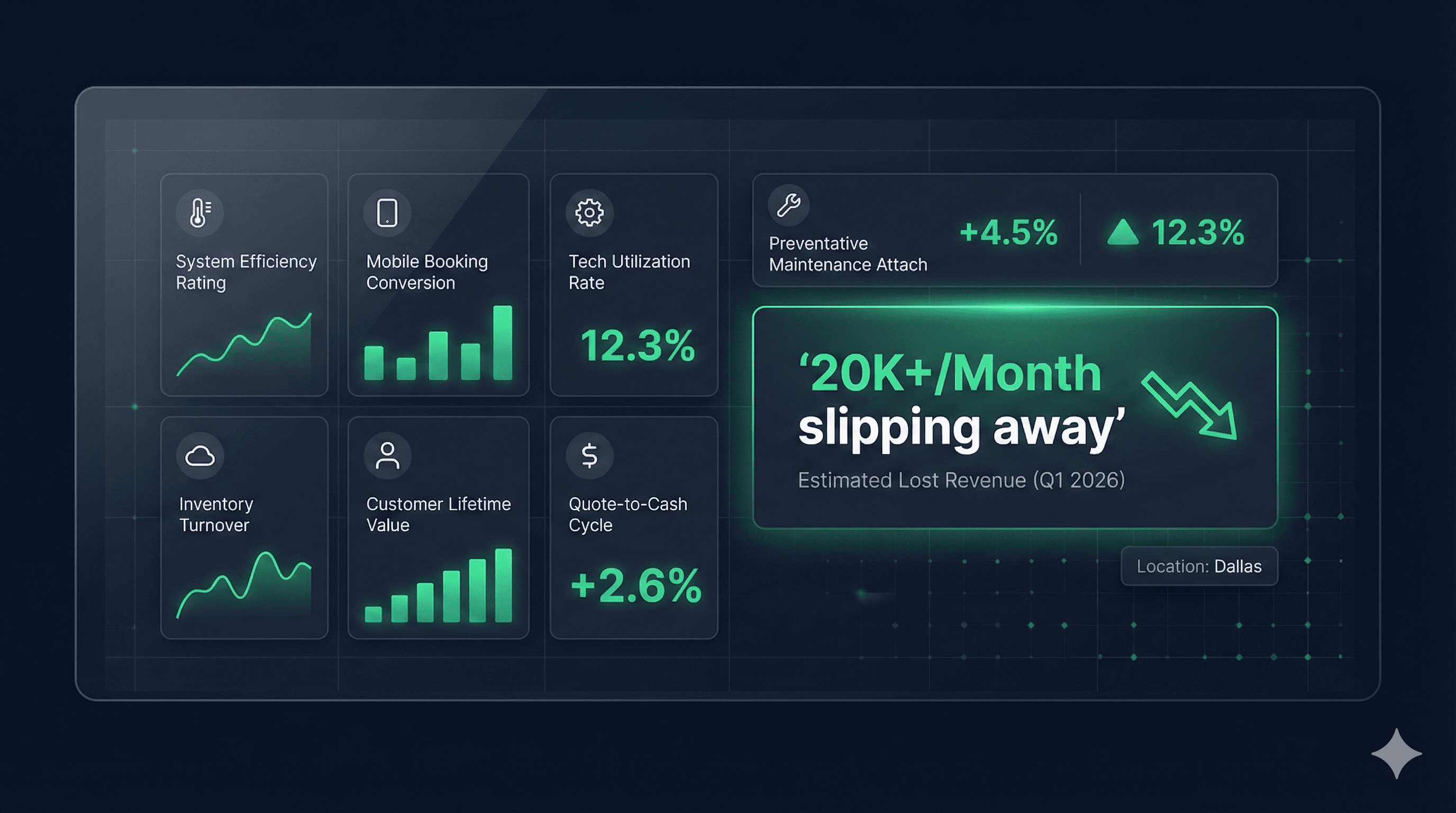
Most HVAC contractors track revenue, job count, and customer satisfaction. But the KPIs that actually predict growth are hiding in the gaps between your existing metrics. Here are the 7 performance indicators that separate thriving North Texas HVAC companies from those losing $20K+ monthly.
Why Traditional KPIs Only Tell Half the Story
You check your dashboard religiously. Revenue is up 15%. Average ticket size increased to $850. Your booking rate shows 78%. Everything looks great on paper.
Yet you have this nagging feeling that money is slipping through somewhere. You're right.
Traditional HVAC KPIs measure what happened. They're retrospective. They tell you about jobs you completed, customers you served, revenue you collected. But they're blind to what didn't happen—the opportunities that never became jobs, the customers who never got served, the revenue that walked away.
After analyzing data from over 200 North Texas HVAC contractors, we've identified 7 critical KPIs that most companies never track. These metrics reveal the hidden 30-40% revenue potential in your existing operation.
The 7 Missing KPIs Every HVAC Contractor Should Track
1. First Ring Answer Rate (FRAR)
What It Measures: Percentage of calls answered within the first 3 rings (under 15 seconds).
Why It Matters: 75% of callers hang up after 5 rings. In the HVAC emergency business, the first company to answer often wins the job. Every ring costs you money.
North Texas Benchmarks:
- • Industry Average: 43%
- • Good Performance: 65%
- • Excellent Performance: 80%+
- • Peak Season (June-Aug): Often drops to 25%
Action Steps When Below Target:
- • Implement call routing to available CSRs
- • Add overflow protocols during peak hours
- • Consider dedicated emergency line
- • Review staffing during high-volume periods
Real Impact: A Plano HVAC company improved their FRAR from 38% to 71% and saw $31,000 monthly revenue increase with zero additional marketing spend.
2. Call Abandonment Rate (CAR)
What It Measures: Percentage of callers who hang up before speaking to anyone (including those who hang up while on hold).
Why It Matters: These aren't "just inquiries"—these are customers with immediate needs who are calling your competitor next. The average abandoned call represents $425 in lost revenue.
North Texas Benchmarks:
- • Industry Average: 18%
- • Good Performance: 10%
- • Excellent Performance: <5%
- • During heat waves (100°+): Can spike to 35%
Warning Signs:
- • CAR over 15% during normal operations
- • CAR over 25% during peak season
- • Increasing trend month-over-month
- • Spikes during specific hours
Action Steps When Above Target:
- • Reduce hold times to under 60 seconds
- • Implement callback options
- • Add comfort messages every 30 seconds
- • Review IVR menu complexity (simpler = fewer abandonments)
3. After-Hours Capture Rate (AHCR)
What It Measures: Percentage of after-hours emergency calls that result in booked appointments (not just "answered").
Why It Matters: After-hours emergency calls have the highest average ticket value ($1,200+) and lead to long-term customer relationships. But most after-hours services just take messages rather than book jobs.
The Hidden Problem:
Many contractors think their after-hours service is working because calls are "answered." But there's a huge difference between answering and booking. We found that 67% of after-hours services simply take messages, resulting in next-day callbacks when the customer has already found another contractor.
North Texas Benchmarks:
- • Industry Average: 34%
- • Good Performance: 55%
- • Excellent Performance: 70%+
- • Weekend performance typically 10% lower
Action Steps When Below Target:
- • Audit your after-hours service monthly
- • Provide booking authority to after-hours team
- • Implement emergency dispatch protocols
- • Track message-to-booking conversion separately
4. Estimate Follow-Up Speed (EFUS)
What It Measures: Average time between providing an estimate and first follow-up contact.
Why It Matters: 48% of HVAC jobs go to the contractor who follows up first. Every day you wait reduces close rate by 15%. After 3 days, close rate drops by 70%.
The Revenue Impact:
42%
Within 4 hours
31%
Within 24 hours
18%
After 48 hours
7%
No follow-up
North Texas Benchmarks:
- • Industry Average: 72 hours
- • Good Performance: 24 hours
- • Excellent Performance: <4 hours
- • Best Practice: Automated within 2 hours
Action Steps to Improve:
- • Implement automated follow-up sequences
- • Set calendar reminders for manual follow-ups
- • Create follow-up templates for scenarios
- • Track follow-up completion by employee
5. Tech Phone Engagement Score (TPES)
What It Measures: How effectively field technicians handle situations requiring immediate customer decisions or additional authorizations.
Why It Matters: When techs say "you'll need to call the office," conversion rates drop by 60%. Empowered techs who can quote, upsell, and close on-site generate 40% more revenue per call.
Components to Track:
- • Upsell attempts vs. completions
- • Additional repair identification rate
- • On-site payment collection rate
- • Maintenance agreement sign-ups
North Texas Benchmarks:
- • Industry Average: 31%
- • Good Performance: 50%
- • Excellent Performance: 65%+
- • Top techs consistently achieve 75%+
Common Tech Phone Failures:
- • Can't provide pricing for additional repairs
- • Unable to check schedule for follow-up work
- • No access to customer history
- • Can't process payments on-site
Action Steps to Improve:
- • Provide mobile pricing tools to all techs
- • Enable on-site scheduling capability
- • Implement digital payment processing
- • Create upsell scripts and training
- • Track individual tech performance
Related: Tech performance isn't just about engagement scores—it's also about operational efficiency. Learn how dispatch inefficiencies and routing waste can drain $3K-8K monthly from your labor budget.
6. Revenue Per Missed Opportunity (RPMO)
What It Measures: The average value of jobs that didn't convert, helping you understand the true cost of operational failures.
Why It Matters: Not all missed opportunities are equal. Losing a $2,500 system replacement hurts more than missing a $95 filter change. This KPI helps prioritize where to focus improvement efforts.
North Texas Patterns:
- • Standard service calls: $385 average
- • Emergency calls: $920 average
- • System replacements: $8,500 average
- • Commercial calls: $2,200 average
Seasonal Variations:
- • Summer (June-Aug): RPMO increases 40%
- • Winter (Dec-Feb): RPMO increases 25%
- • Spring/Fall: Baseline RPMO
How to Use This Metric:
- • Identify high-value loss patterns
- • Prioritize process improvements by revenue impact
- • Calculate ROI of operational investments
- • Set recovery targets based on opportunity value
7. Customer Callback Success Rate (CCSR)
What It Measures: Percentage of customers who say "I'll call you back" or "Let me think about it" who actually return and book.
Why It Matters: "I'll call back" is usually a polite rejection, but 23% of these customers are genuinely interested and just need nurturing. Most contractors never track or follow up with these opportunities.
The Hidden Opportunity:
If you receive 50 "I'll call back" responses monthly and improve your CCSR from 7% to 31%, that's 12 additional jobs. At $850 average ticket, that's $10,200 in monthly recovered revenue.
North Texas Benchmarks:
- • Without follow-up: 7%
- • With single follow-up: 18%
- • With systematic nurturing: 31%
- • Best-in-class: 40%+
Action Steps to Improve:
- • Tag all "will call back" responses in CRM
- • Implement 3-touch follow-up sequence
- • Offer time-limited incentives
- • Track reasons for initial hesitation
- • Create specific nurture campaigns
Building Your KPI Tracking System
Step 1: Baseline Your Current Performance
Before improving, you need to know where you stand. Spend one week manually tracking these 7 KPIs. You'll likely be shocked by what you discover.
Week 1 Tracking Template:
- • Monday-Friday: Collect raw data
- • Saturday: Calculate weekly averages
- • Sunday: Identify biggest gaps
- • Monday Week 2: Implement first improvement
Step 2: Set Realistic Improvement Targets
Don't try to fix everything at once. Focus on one KPI per month:
Step 3: Create Accountability Systems
Daily Dashboard Reviews (5 minutes):
- • Check yesterday's performance
- • Identify any red flags
- • Quick team huddle on issues
Weekly Deep Dives (30 minutes):
- • Trend analysis
- • Individual performance reviews
- • Process adjustment decisions
Monthly Strategy Sessions (2 hours):
- • Comprehensive KPI review
- • ROI calculation of improvements
- • Next month's focus area planning
The North Texas Multiplier Effect
DFW HVAC contractors face unique challenges that make these KPIs even more critical:
Extreme Competition
With 500+ HVAC companies in the metroplex, customers have options. Miss their call, and they're gone.
Weather Volatility
100° to 30° in 48 hours isn't unusual. Your KPIs need to flex with demand.
Geographic Spread
From Plano to Arlington is 45 minutes. Route optimization affects every metric.
High Growth Market
New residents don't have contractor loyalty. First impressions determine lifetime value.
Real Results from Real Contractors
Case Study 1: Arlington Residential Specialist
- • Implemented FRAR tracking
- • Improved from 41% to 74% in 60 days
- • Result: $28,000 monthly revenue increase
- • Investment: $0 (just shifted break schedules)
Case Study 2: Fort Worth Commercial Contractor
- • Focused on EFUS improvement
- • Reduced follow-up time from 3 days to 4 hours
- • Result: Close rate increased from 22% to 38%
- • Annual impact: $340,000 additional revenue
Case Study 3: Plano Full-Service Company
- • Tracked all 7 KPIs for 90 days
- • Identified $73,000 monthly revenue potential
- • Recovered 41% in first quarter
- • Now monitors continuously
Your Free KPI Audit Checklist
Quick Self-Assessment (Takes 10 Minutes):
Call Handling:
Follow-Up Review:
After-Hours Check:
Tech Performance:
The Technology Stack You Need
You don't need expensive software to track these KPIs. Here's the minimum viable setup:
Essential Tools:
- • Call tracking system with recording ($100-200/month)
- • Basic CRM with tagging capability
- • Spreadsheet for calculations
- • Calendar for follow-up reminders
Nice to Have:
- • Automated follow-up sequences
- • Real-time dashboard displays
- • Mobile apps for techs
- • Integration with ServiceTitan/Housecall Pro
Advanced Setup:
- • AI-powered call analysis
- • Predictive abandonment alerts
- • Automated KPI reporting
- • Performance gamification
Common Objections (And Why They're Wrong)
"We're too busy to track all this."
You're too busy because you're inefficient. These KPIs reveal why you're working harder instead of smarter.
"Our team will feel micromanaged."
Good employees love metrics that prove their value. Only underperformers fear measurement.
"We've always done fine without these."
You're leaving 30% revenue on the table. Your competitors who track these KPIs are taking your customers.
"This seems complicated."
Start with one KPI. Five minutes daily. $10,000+ monthly impact. That's the opposite of complicated.
Your Next Steps
This Week:
- 1. Calculate your First Ring Answer Rate
- 2. Review last month's abandoned calls
- 3. Mystery shop your after-hours service
This Month:
- 1. Implement tracking for all 7 KPIs
- 2. Set baseline measurements
- 3. Choose your first improvement focus
This Quarter:
- 1. Improve at least 3 KPIs by 25%
- 2. Calculate revenue impact
- 3. Create ongoing monitoring system
The Bottom Line
These 7 KPIs are the difference between contractors who think they're doing well and those who know exactly where they stand. In the competitive North Texas market, that knowledge gap is worth $20,000-50,000 monthly.
Your current dashboard shows you're making money. These KPIs show how much you're losing. Which view do you think matters more for growth?
Ready to See Your Hidden KPIs?
Get a free Revenue Leak Audit that calculates all 7 metrics for your business. We'll show you exactly where your money is hiding and how to recover it.
Free Resources
Download Our Templates:
- • 7 KPI Tracking Spreadsheet (Google Sheets)
- • Daily Dashboard Checklist (PDF)
- • Follow-Up Sequence Scripts (Word Doc)
- • Tech Performance Scorecard (Excel)
North Texas Operations specializes in uncovering the revenue hiding in your operational blind spots. Our monitoring services track these 7 KPIs plus 20 others, automatically alerting you to opportunities before they become losses.