HVAC No-Heat Calls: The 7-Question Triage Script + AI Intake Template (Free)
When the phones blow up during a cold snap, your CSRs don't need a chatbot — they need a consistent script that captures the right details, flags true emergencies, and gets jobs booked fast. Here's a copy/paste no-heat intake workflow built for HVAC owners.
Safety first (for your team and your customer)
This script is designed for intake and dispatch, not DIY troubleshooting. If the customer mentions gas odor, smoke, sparks, or CO alarm activity, stop the script and follow your safety policy (utility/emergency services as appropriate).
Why no-heat calls get messy (and expensive) in peak demand
Most HVAC businesses lose revenue on no-heat days for one reason: your intake is inconsistent. One CSR gets the essentials and books quickly. Another spends six minutes in small talk, misses the equipment type, and schedules the wrong slot. Meanwhile, the customer calls the next contractor.
Your goal isn't to diagnose over the phone. Your goal is to collect booking-critical details, set expectations, and route the call to the right next step.
The 7-question HVAC no-heat triage script (copy/paste)
Use this exactly as written, then customize your policy lines (pricing, after-hours, membership perks). The sequence matters: safety → urgency → access → equipment → symptoms → history → booking.
Dispatch Script
1) Any safety issue right now?
"Do you smell gas, see smoke/sparks, or is a carbon monoxide alarm going off?"
2) How urgent is it?
"Is anyone in the home elderly, an infant, or medically sensitive? What's the indoor temperature right now?"
3) Can we access the system?
"Is the system in an attic, closet, garage, or outside? Any gate codes, pets, or access restrictions?"
4) What kind of heat do you have?
"Is it a gas furnace, heat pump, electric air handler, boiler, or you're not sure?"
5) What exactly is it doing (or not doing)?
"Is the thermostat calling for heat? Is the fan running? Any error codes, unusual noises, or burning smell?"
6) When did it start, and has anyone touched it?
"Did this start today or over several days? Has anyone recently changed the thermostat, filter, or flipped breakers?"
7) Confirm details and book the next step
"What's the best phone number and email? What's the service address? We'll get you scheduled for the earliest available slot and you'll receive confirmation shortly."
What to capture every time (owner-level checklist)
If you want fewer reschedules and better first-time fixes, you need a minimum data set. This is what your dispatch notes should include before the ticket hits the board:
- Customer name + best callback number
- Service address (plus gate code/access notes)
- Equipment type (gas furnace vs heat pump vs electric)
- Urgency flags (elderly/infant/medical, indoor temp)
- Safety flags (gas odor, CO alarm, smoke/sparks)
- Primary symptom (no heat, intermittent, short cycling, noise, code)
- Timing (started today vs ongoing) + any recent changes
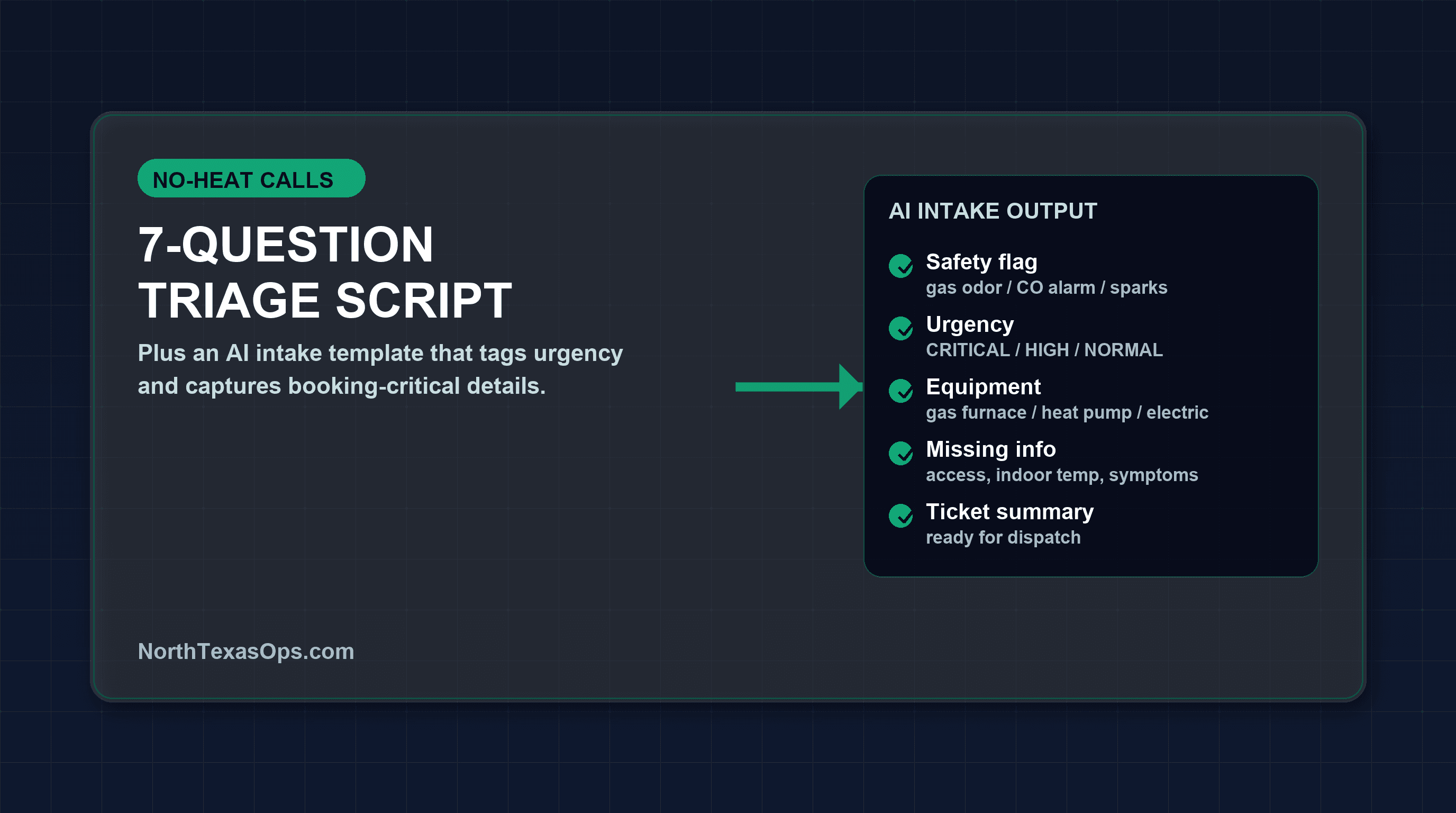
The AI intake template (turn your script into an "auto-tagging" dispatcher)
This is the "AI value" piece that actually helps an HVAC owner: your intake form (or CSR notes) becomes structured data, and AI assigns tags like Emergency, Heat Pump, Safety, and Priority Customer. You're not replacing your CSRs — you're standardizing them.
Copy/paste: AI prompt for classifying a no-heat intake
Paste this into your AI tool and feed it the CSR notes. The output can be saved into ServiceTitan custom fields, a Google Sheet, or your ticket notes.
How HVAC owners actually use this (simple workflow)
- Step 1: CSR uses the 7-question script during the call.
- Step 2: Notes go into your CRM (or a shared intake form).
- Step 3: AI classifies the intake (urgency + equipment guess + missing fields).
- Step 4: Dispatcher books the right slot and routes to the right tech.
- Step 5: Owner gets a daily report: volume, urgency mix, safety flags, and booking speed.
Want this built into your ServiceTitan or Housecall Pro workflow?
We'll help you implement the intake template, tagging rules, and reporting so your team books faster without changing the tools they already use.